Instant Photo & File Scan
Drop in any messy folder to preview thumbnails immediately, check item counts, and choose exactly what to clean or organize.
Find duplicates, sort messy folders, and verify high-res audio — lightning fast, completely offline, and with zero cloud uploads. And soon, just tell MediaMango what you need and let it do the rest.
macOS 12+ Windows 10/11 Linux coming soon


Explore the visual tools that clean duplicates, verify music quality, and organize thousands of files — all in one offline app. Then, look forward to SmartMango in our next update: just type what you want done.
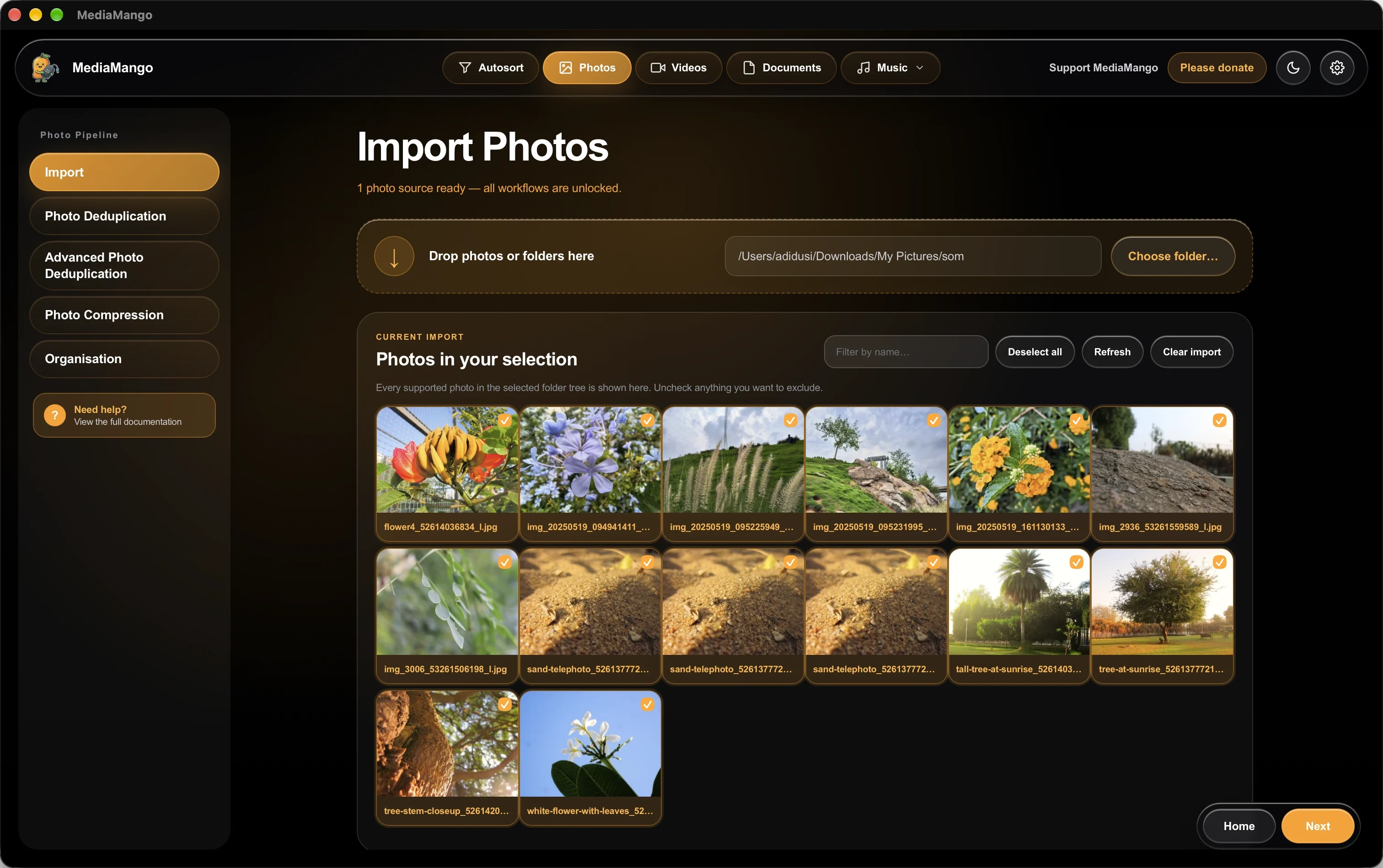
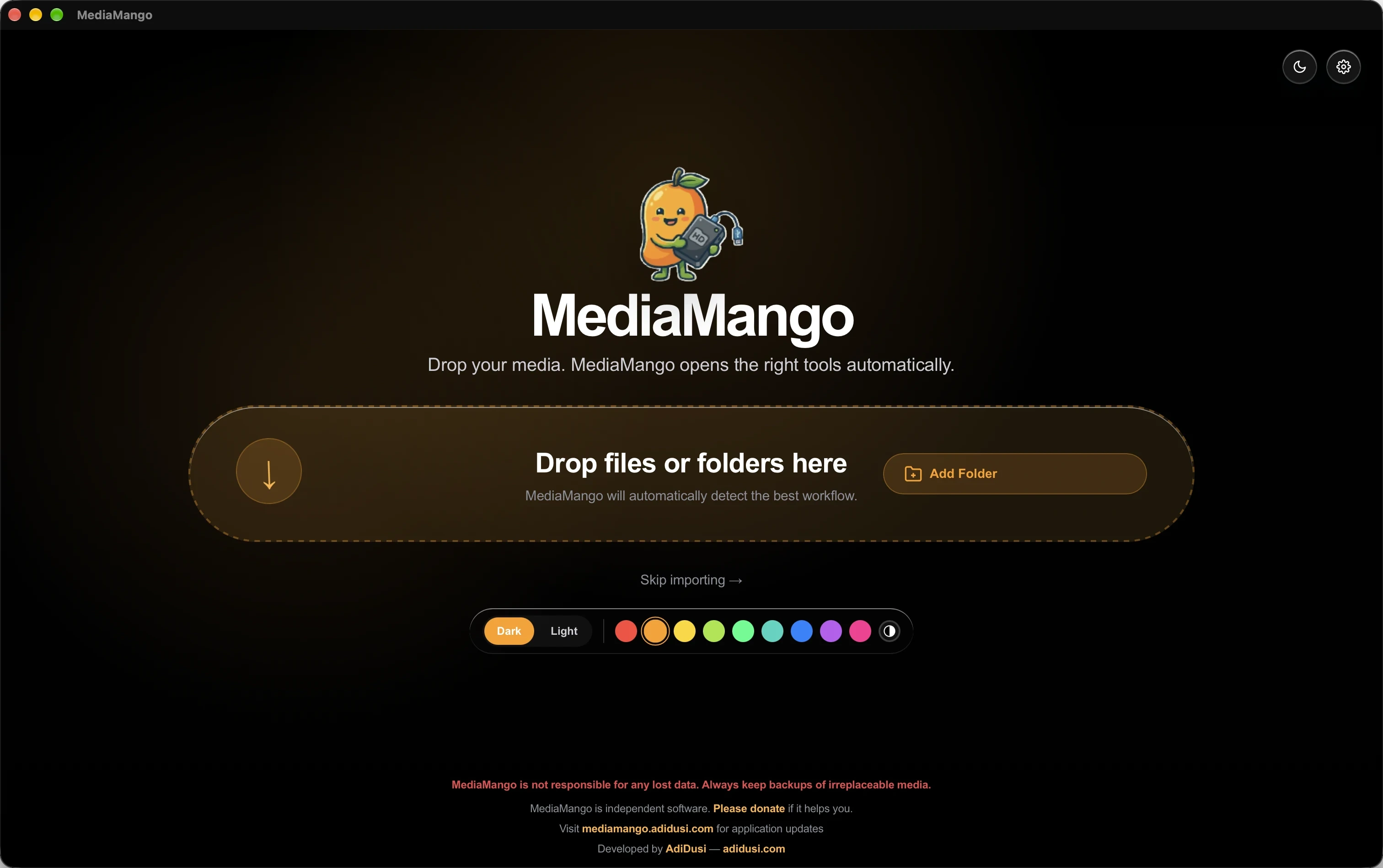
Drop in any messy folder to preview thumbnails immediately, check item counts, and choose exactly what to clean or organize.
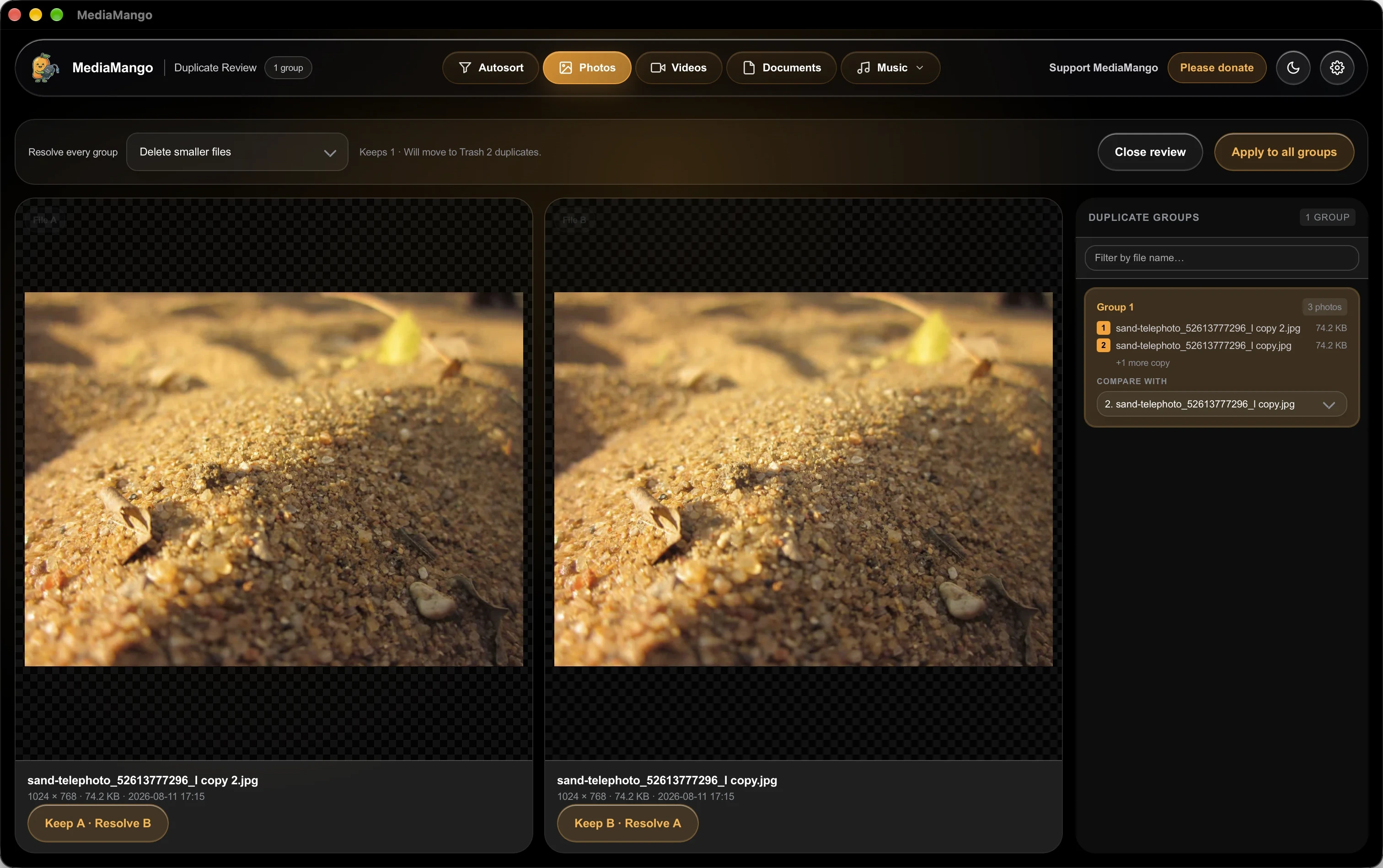
Compare duplicate photos and videos side by side with resolution and size details. Clean them up in one click with full undo safety.
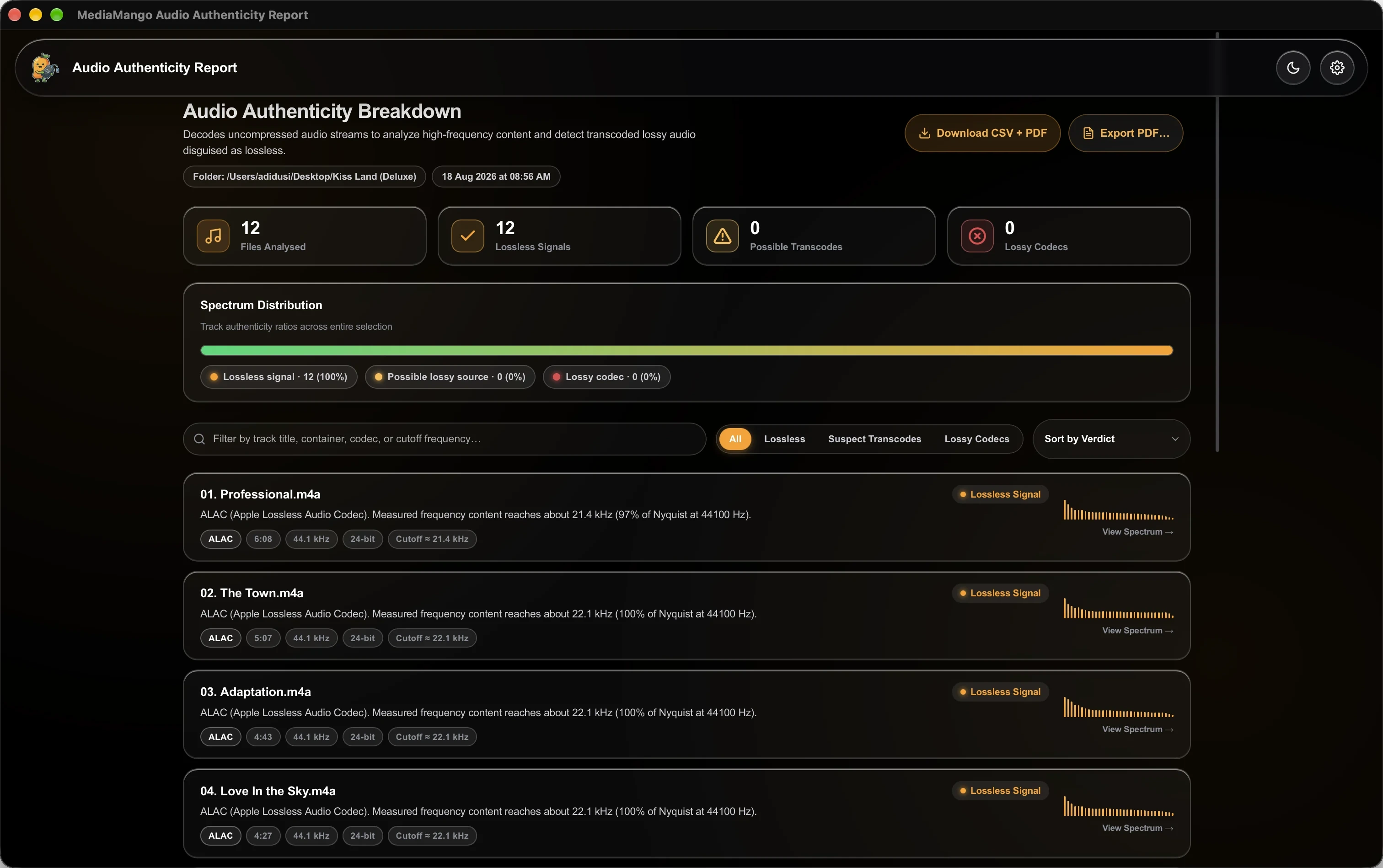
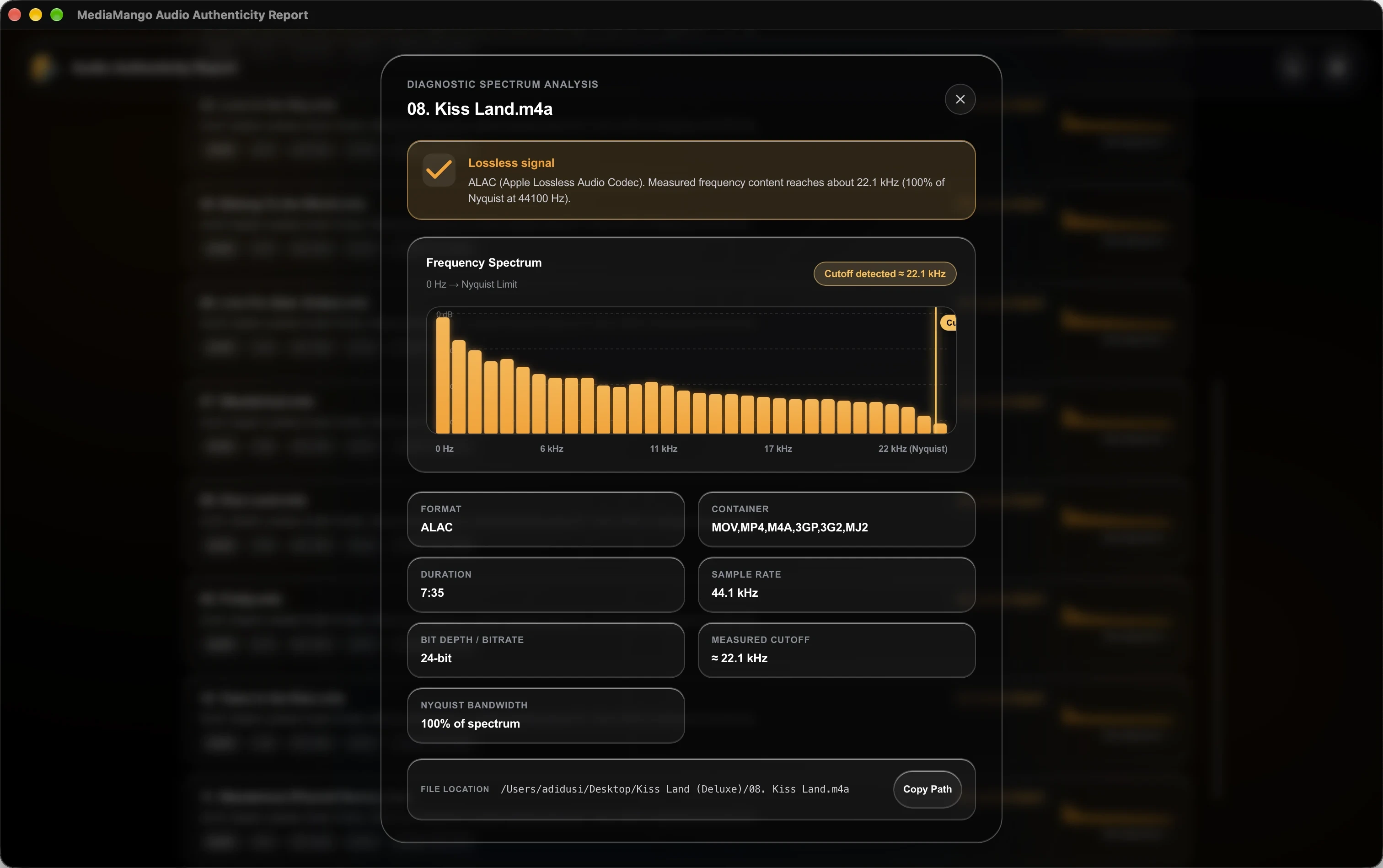
Spot fake high-res tracks instantly. MediaMango scans audio data to reveal whether your FLAC or WAV file is genuinely lossless or an upscaled MP3.
Inspect real-time frequency spectrum graphs and high-end cutoffs to verify true acoustic fidelity across your music library.
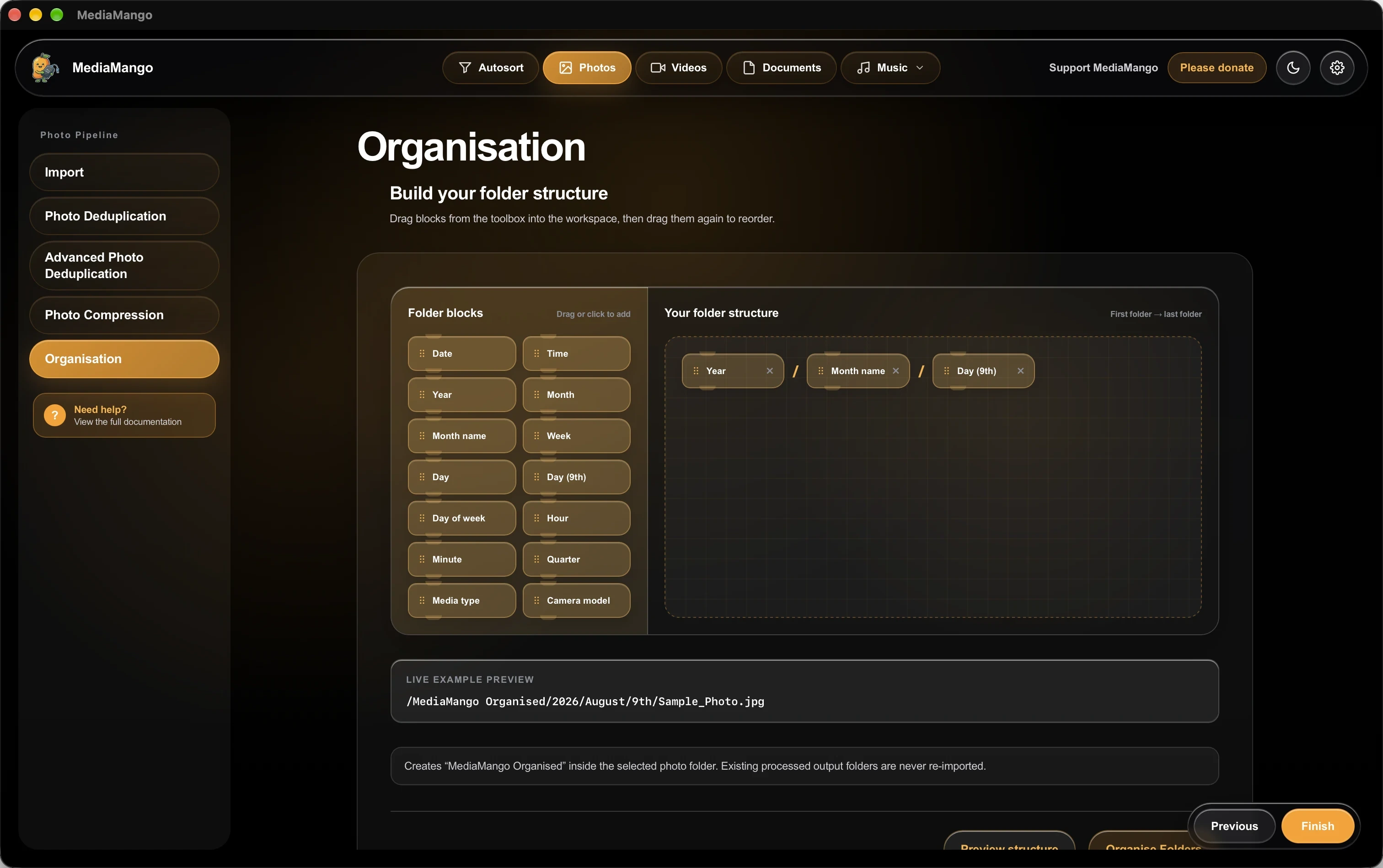
Sort thousands of scattered files into clean folders by Year, Month, Camera, or File Type using simple drag-and-drop building blocks.
A calm, distraction-free desktop workspace that recognizes your files and opens the right tool the second you drop them in. And with SmartMango coming soon, you'll just be able to say what you need.
Over 150+ photo, video, music, and document formats recognized and organized directly on your device.
No accounts, no cloud sync, and zero tracking. Your private photos, audio, and documents never leave your device.
Review every plan before running it — MediaMango is not responsible for files deleted by accident. Always keep a backup.
Hey, I am AdiDusi, a 17-year-old guy who made this app in his spare time. It took 37,000 lines of code, and a lot of blood, sweat, and tears, to make this app. Please consider supporting me with a donation.
Payments are processed securely via Razorpay. MediaMango never sees or stores your card details.
Purely local, lightning-fast media management for desktop. A major SmartMango update is on the way — downloaded for free the moment it ships.
brew install --cask csasd/tap/mediamango
Paste into Terminal and press Return
MediaMango is 100% private, local-first, and free with zero tracking or telemetry. Free and open-source distribution via Homebrew Cask gives you seamless terminal updates. Don’t have Homebrew? Set it up in Terminal in less than a minute:
Questions or feedback? support@adidusi.com